Welcome to Erosland
Play Welcome to Erosland
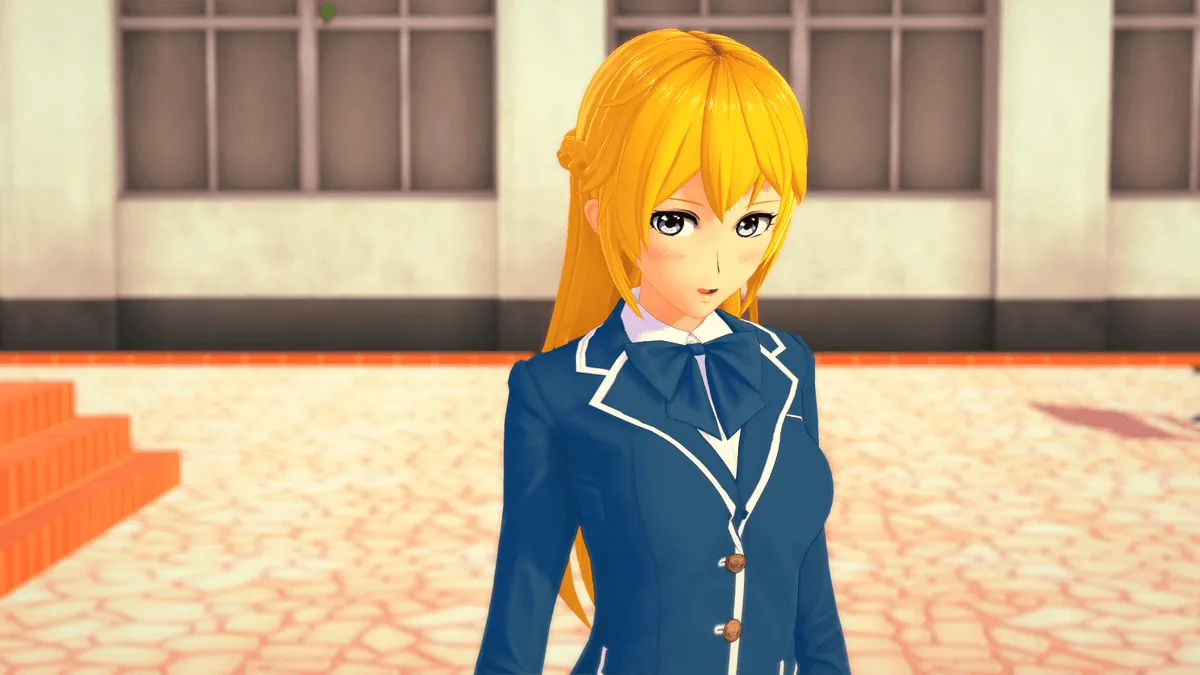
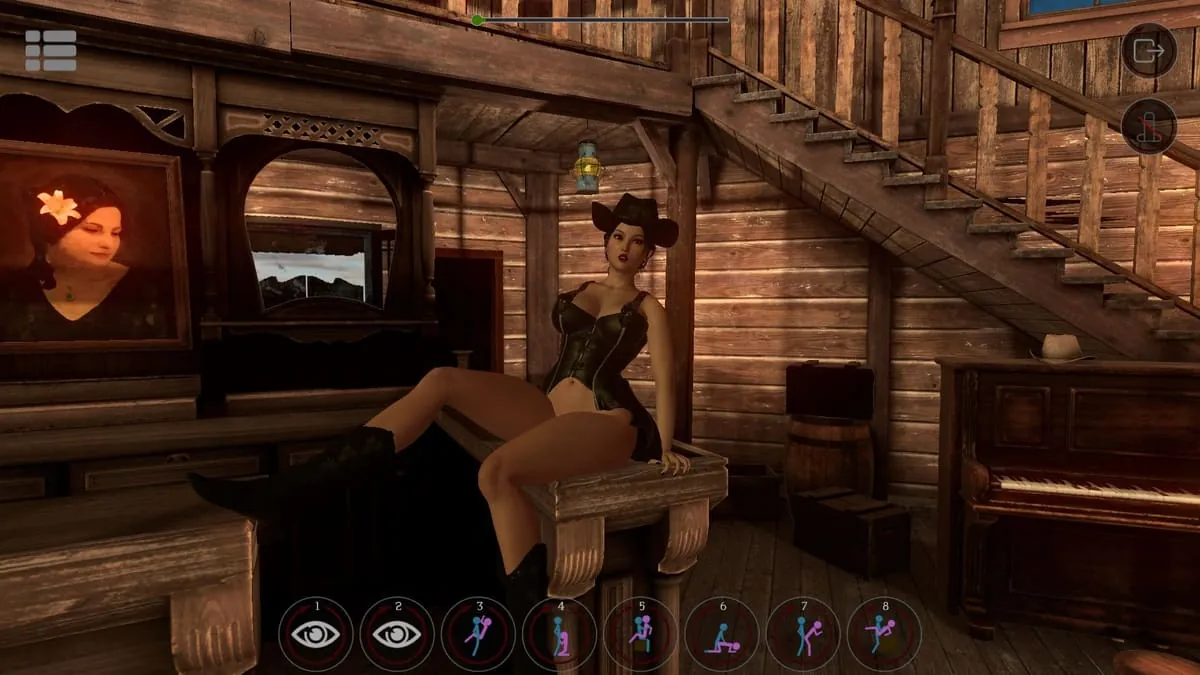
Welcome to Erosland Screenshots


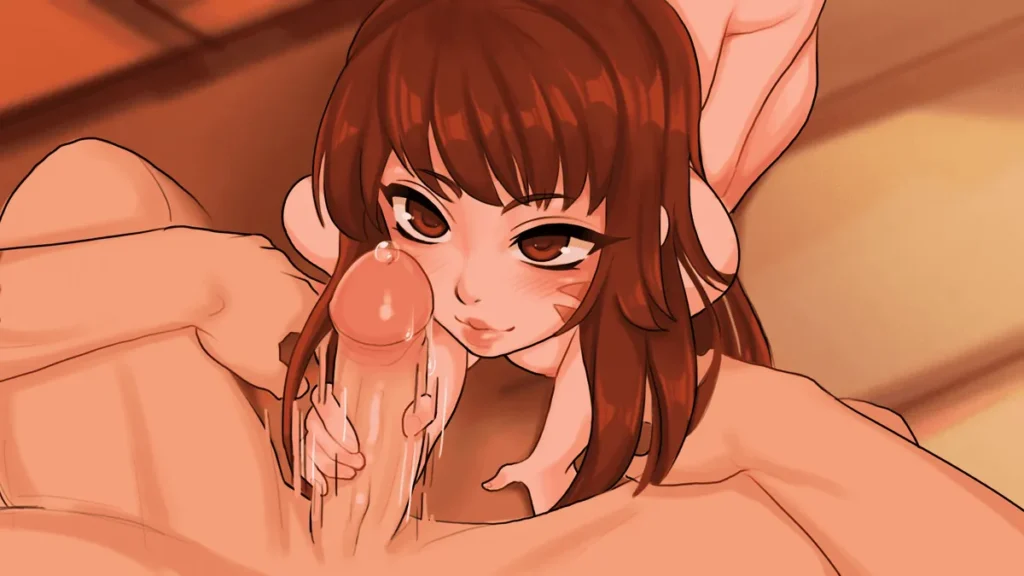
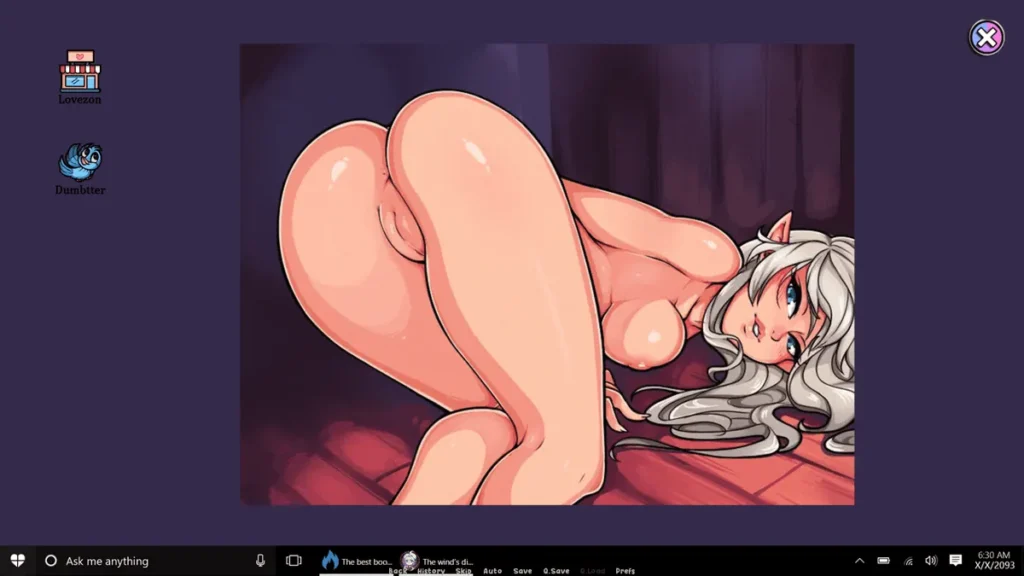
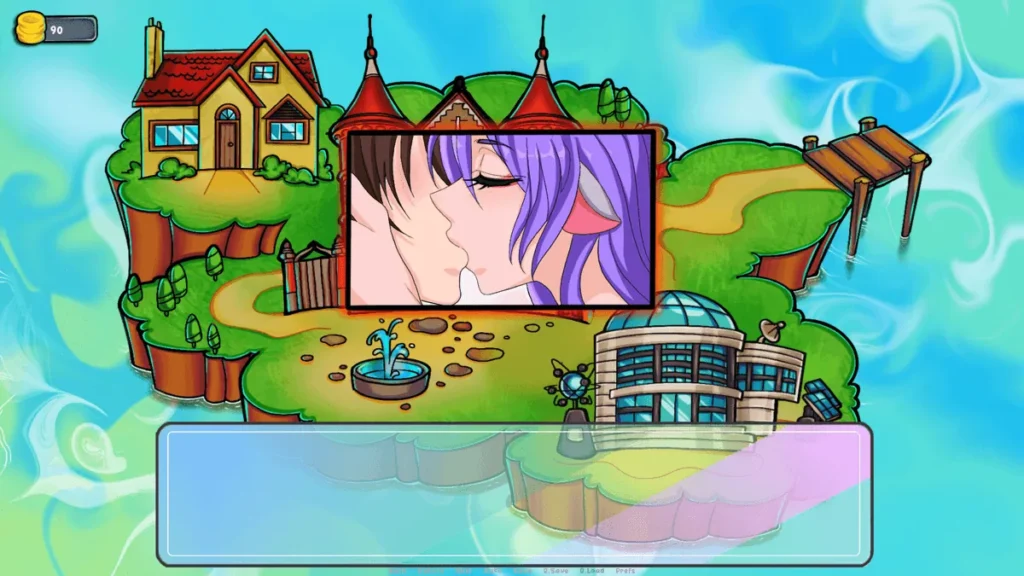
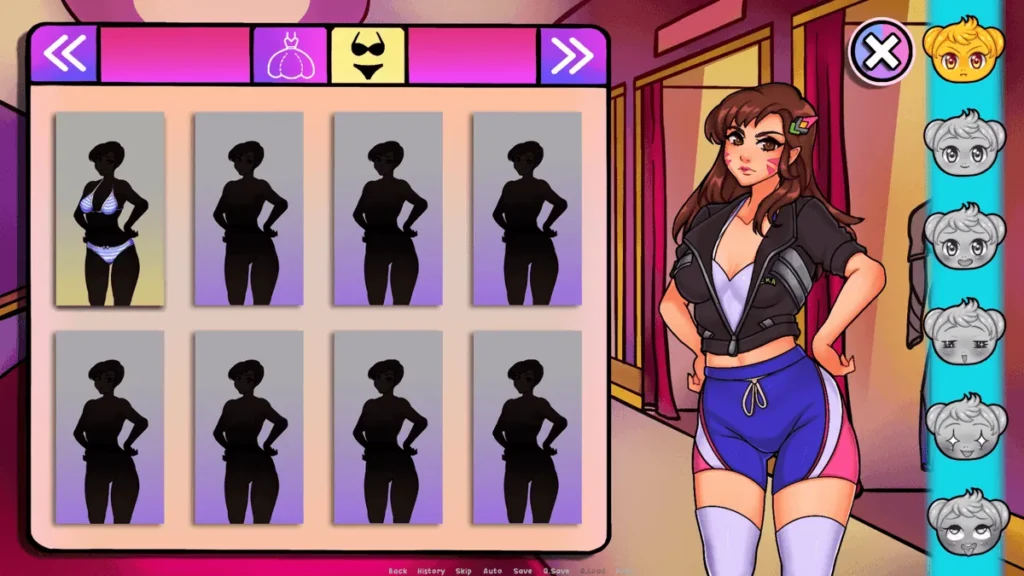
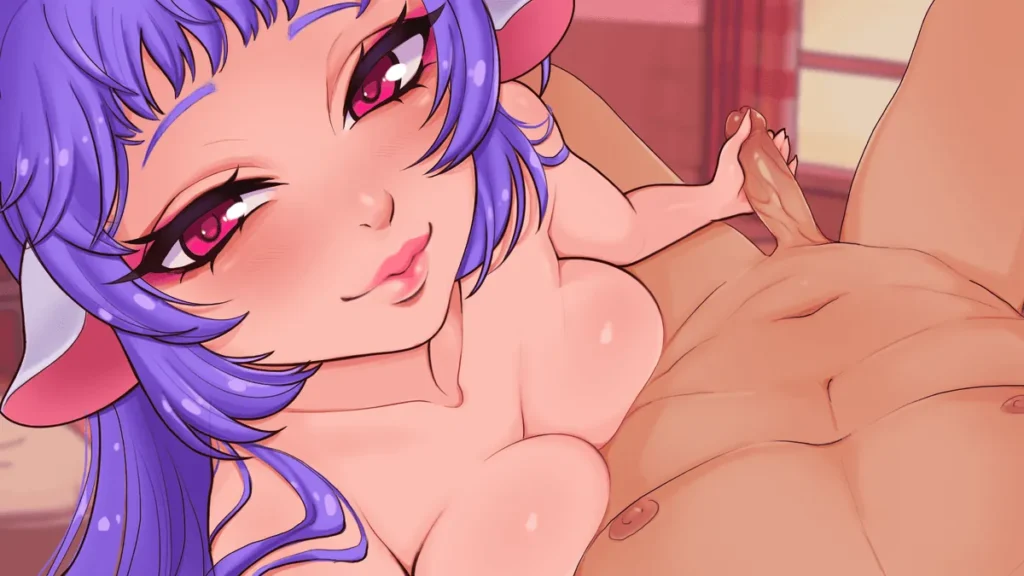
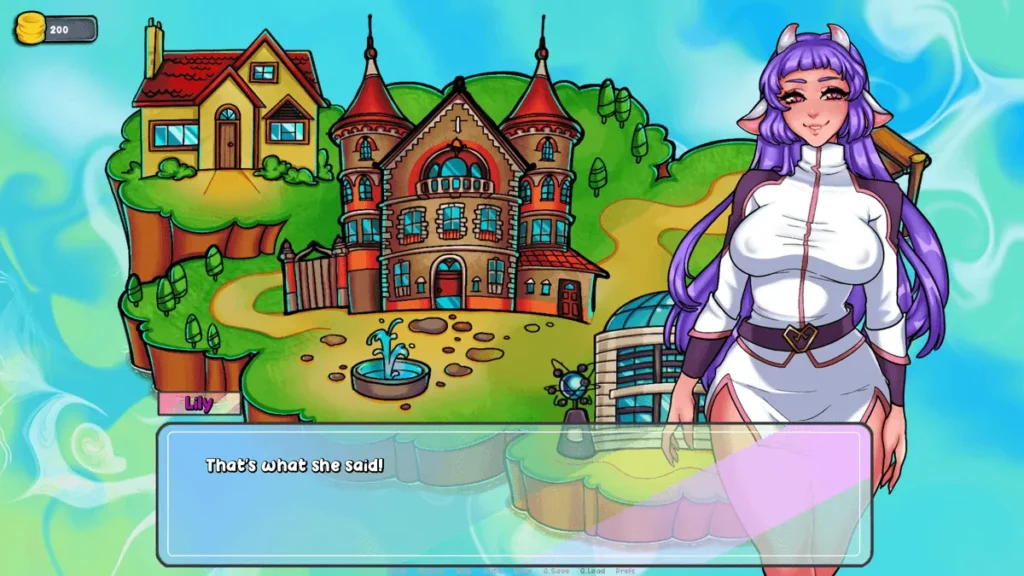
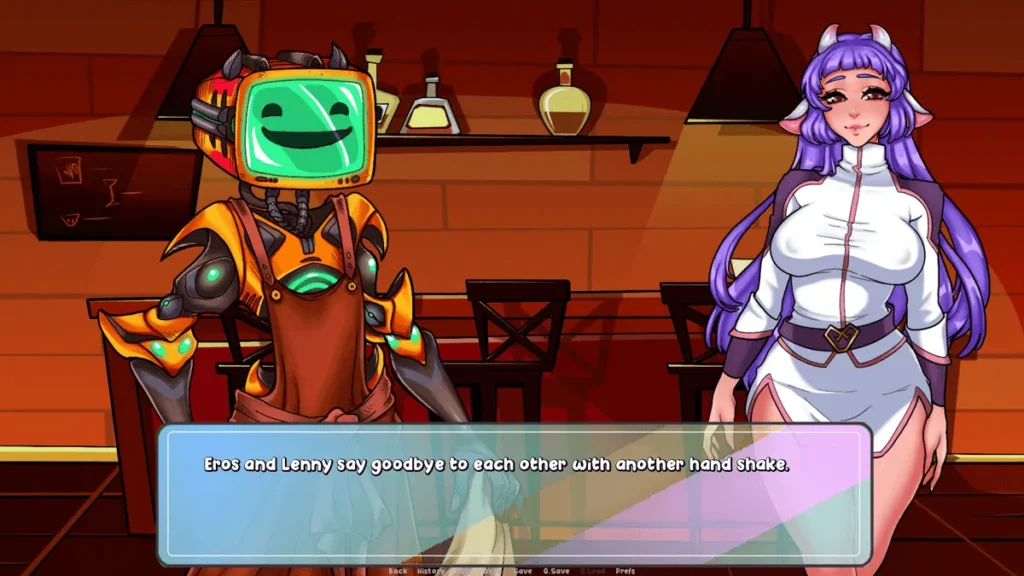
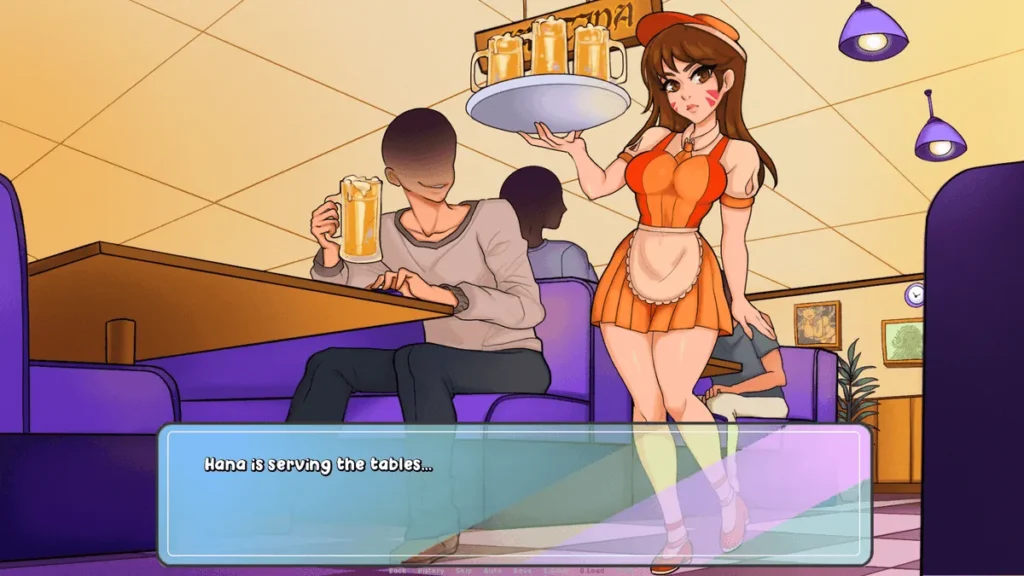
Welcome to Erosland review
Dive into the Thrilling Management Sim Adventure
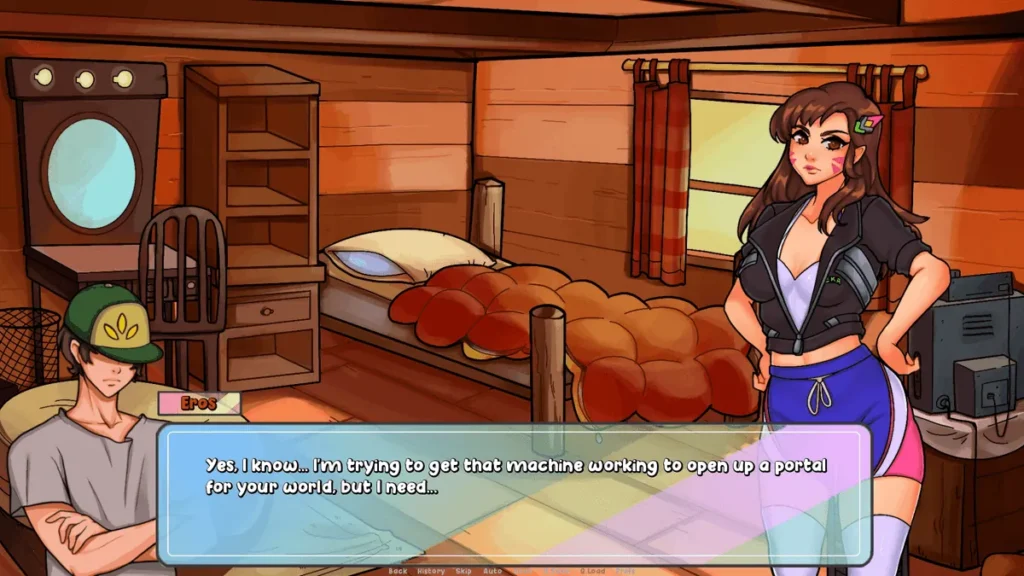
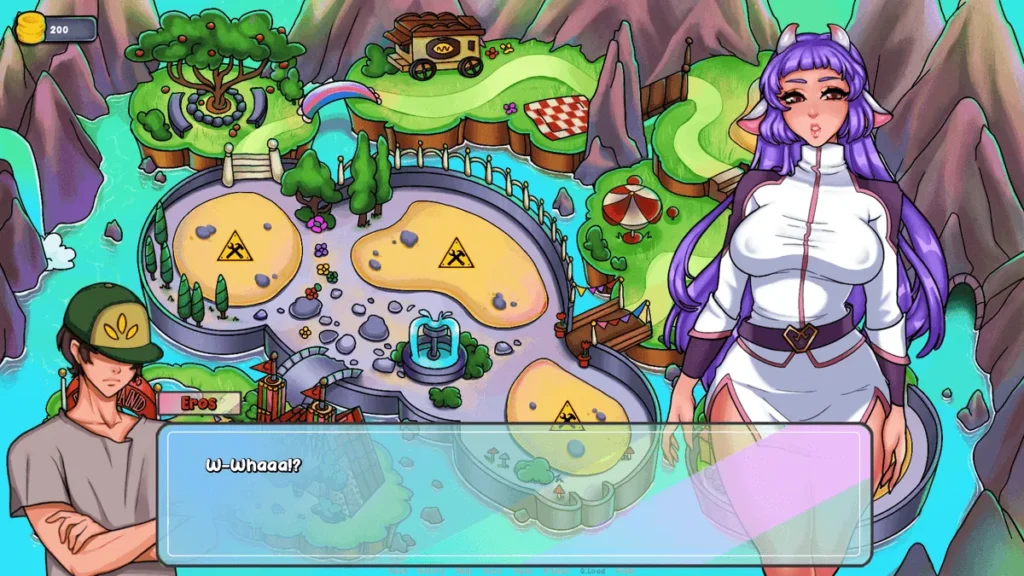
Imagine stepping into a vibrant world where you build and manage your own fantasy resort in Welcome to Erosland. This captivating game blends storytelling with strategic simulation, letting you recruit characters, unlock scenes, and expand your empire. From my first playthrough, I was hooked by the immersive narrative and stunning visuals that keep you coming back for more. Whether you’re new or a veteran player, this guide uncovers everything you need to master Welcome to Erosland, from beginner tips to advanced strategies. Get ready to transform a simple plot into a booming attraction—your adventure starts now!
Getting Started with Welcome to Erosland
I remember scrolling through itch.io late one night, looking for something with a bit more… substance than your typical clicker game. That’s when the vibrant, intriguing thumbnail for Welcome to Erosland caught my eye. 🎭 I was immediately pulled in by the promise of a management sim adventure that blended deep storytelling with strategic gameplay. After clicking download, I wasn’t disappointed. The game delivers a completely unique experience where you’re not just building a resort—you’re curating its very heart and soul.
If you’re ready to start your own journey but aren’t sure where to begin, you’re in the right place. This Welcome to Erosland beginner guide is designed to get you from curious browser to savvy resort manager. Let’s dive in!
What Makes Welcome to Erosland Unique?
At its core, Welcome to Erosland is about managing a fantastical resort, but that description doesn’t do it justice. What hooked me wasn’t just the mechanics of building rooms or assigning staff—it was the rich, character-driven narrative. You’re not just a faceless overlord; you’re actively involved in recruiting unique characters, each with their own stories and motivations, and helping them create special “scenes” for the resort’s guests.
The genius lies in the blend. One moment you’re strategically planning your resort’s layout for maximum efficiency, and the next, you’re unlocking a poignant story segment that makes you genuinely care about the characters you’re managing. This isn’t a dry numbers game; it’s a living world. The engaging storyline is the glue that binds the management sim elements together, making every upgrade and recruitment feel meaningful and rewarding. If you’ve ever wanted a game where your managerial choices feel emotionally resonant, this is it.
How to Download and Install the Game
Ready to begin? The primary and most reliable source for your Welcome to Erosland download is the itch.io platform. The developers, like aelendil and eifi, use it to distribute public builds directly to the community. Here’s your straightforward path to getting the game running.
For PC (Windows):
The process is simple and doesn’t require a complex installer.
* Head to the official Welcome to Erosland itch.io game page.
* Look for the download section. You’ll typically see options for the latest Welcome to Erosland public release, such as v0.0.13 or newer.
* Click to download the .zip file for Windows.
* Extract the contents of the .zip file to a folder on your computer (right-click -> “Extract All”).
* Simply double-click the Welcome to Erosland.exe file inside the extracted folder to start playing! No installation wizard needed.
For Android:
Getting Welcome to Erosland Android running on your phone or tablet is also a breeze, but requires you to enable one setting first.
* First, on your Android device, go to Settings > Security (or Apps & Notifications).
* Enable “Install from Unknown Sources” or “Allow from this source” for your browser or file manager. This is safe as you’re downloading directly from the developer’s page.
* Now, visit the same Welcome to Erosland itch.io page on your mobile browser.
* Download the Android .apk file.
* Once downloaded, open the file from your notifications or file manager to begin the Welcome to Erosland installation. Your device might give a quick security prompt—just confirm you want to install it.
💡 Pro Tip: Always back up your save data! The game saves progress locally. Before updating to a new version, find the
Savefolder in your game directory and copy it elsewhere as a safety net.
To help you choose a starting point, here’s a quick look at common public releases:
| Public Release Version | Key Features & Notes |
|---|---|
| v0.0.8 | A stable early build. Great for understanding core mechanics, but lacks later content. |
| v0.0.13 | A popular, more feature-rich starting point. Includes more characters, scenes, and management depth. |
| Latest Build | Check the itch.io page! Developers often release newer public builds with the most fixes and content. |
Essential Beginner Tips for Smooth Gameplay
You’ve got the game installed—now what? How to play Welcome to Erosland efficiently in those first few hours will set you up for success. Here’s what I wish I knew when I started.
Your First Hour: Foundations are Key
When you first boot up, focus on the core loop. Your initial tasks will guide you through the basics: constructing your first few resort rooms and recruiting a starting character. Don’t rush! Take time to read the dialogue; the story is a major reward. Tap everything with a pulsing icon and complete the early tutorial goals—they give crucial resources.
Master the Management Trinity
The gameplay revolves around three pillars:
1. Recruitment: Your characters are everything. They generate income and are key to unlocking scenes.
2. Building: Expand your resort carefully. New rooms unlock new functions and increase your capacity.
3. Scene Unlocks: This is where story and gameplay merge. Level up your characters and fulfill conditions to watch beautiful, story-rich scenes, which are your primary progression goal.
Resource & Save Management
* Eros Crystals are precious. Spend them early on permanent upgrades or new character slots.
* Gold generation speeds up as you play. Re-invest it into building more rooms to create a positive feedback loop.
* SAVE OFTEN, BACKUP REGULARLY. The game auto-saves, but manually saving before a big upgrade or story event is a good habit. As mentioned, copy your Save folder after each play session you’d hate to lose.
Staying Updated
The game is in active development. For the very latest builds (often labeled with versions like v0.9), you’ll usually need to support the developers on Patreon. The public itch.io page will always clearly state what the latest Welcome to Erosland public release is. If you’re enjoying the public build, checking their Patreon is the best way to get early access to new content and show support.
The first time you unlock a major character scene, you’ll understand the magic of this game. The blend of strategic management and heartfelt storytelling creates an experience that’s utterly absorbing. You’re not just building a resort; you’re weaving stories.
Now that you’re equipped with the knowledge for your Welcome to Erosland download, installation, and first steps, you’re ready to build your legacy. Manage wisely, invest in your characters, and most importantly, enjoy the rich narrative journey. Once you’ve mastered these basics, you’ll be ready to dive into the deeper strategies of optimization, advanced scene requirements, and perfecting your resort’s layout—but that’s a guide for another day.
FAQ: Common Welcome to Erosland Installation & Update Issues
Q: I downloaded the .zip file for PC, but the game won’t start. What do I do?
A: The most common fix is to ensure you extracted all the files from the .zip before running the .exe. Running it directly from the compressed archive often fails. Also, try right-clicking the .exe and selecting “Run as administrator.”
Q: My Android phone says “App not installed” during the Welcome to Erosland installation.
A: This is usually a storage or conflict issue. First, ensure you have enough free space. If you do, you may have a previous version’s data conflicting. Try uninstalling any old version of the game first, then install the new .apk.
Q: Why won’t my game update to a newer version?
A: Updates aren’t automatic. You must manually download the new .apk (Android) or .zip (PC) from the itch.io page. For PC, you can often extract the new version into the same folder, overwriting old files—but always backup your Save folder first! For Android, simply install the new .apk; it should carry your save over.
Q: The game is running slowly on my PC.
A: Try lowering the in-game graphics settings from the menu. Also, ensure no other heavy programs are running in the background. The game is generally well-optimized, but older hardware might struggle on higher settings.
Q: I lost my save after updating! Can I get it back?
A: This is why we backup! If you didn’t, your save is likely gone. Always copy the Save folder from your game directory before installing a new version. For Android, your save is in the internal storage under Android/data/com.DefaultCompany.WTE (path may vary slightly).
There you have it—your complete roadmap to thriving in Welcome to Erosland, from those first thrilling downloads to mastering every corner of your resort empire. I’ve shared my own journeys through buggy updates and epic scene unlocks, proving this game’s depth keeps delivering. Whether you’re building dorms, chasing character stories, or hunting the latest patches, dive in with these strategies and watch your park flourish. Don’t wait—grab the newest version today, start recruiting, and let the adventure unfold. What’s your favorite moment so far? Share in the comments and keep the community buzzing!